Pick a Funnel Builder That Fits Your Payment Gateway
Quick answer: Start with the payment gateway, not the builder. Confirm the gateway works in your country, then check that the builder connects to it natively, supports every payment type you need (subscriptions, payment plans, one-click upsells) and handles your currency. Compare templates and price only after that.↗ Share on X
To choose a funnel builder that works with your payment gateway, start from the payment side, not the builder side. First confirm which gateway you can actually use in your country and business type. Then check that the builder connects to it natively (built in, no extra tool), supports the payment types you need (one-time, subscription, payment plan, one-click upsell), and works in your currency. Only after those four checks pass should you compare templates, design and price.
Most people do it backwards. They fall in love with a builder's templates, build the whole funnel, and discover at the end that their gateway is not supported or that upsells do not work with it. This article gives you the order of checks that avoids that.
Why does the payment gateway matter more than the builder?
 One-Page Sales Funnel: Build It in a Weekend, Step by Step →
 Build a Sales Funnel With No Code: 6 Steps in One Weekend →
 Cheapest Funnel Builder for Beginners: How to Pick in 30 Min →
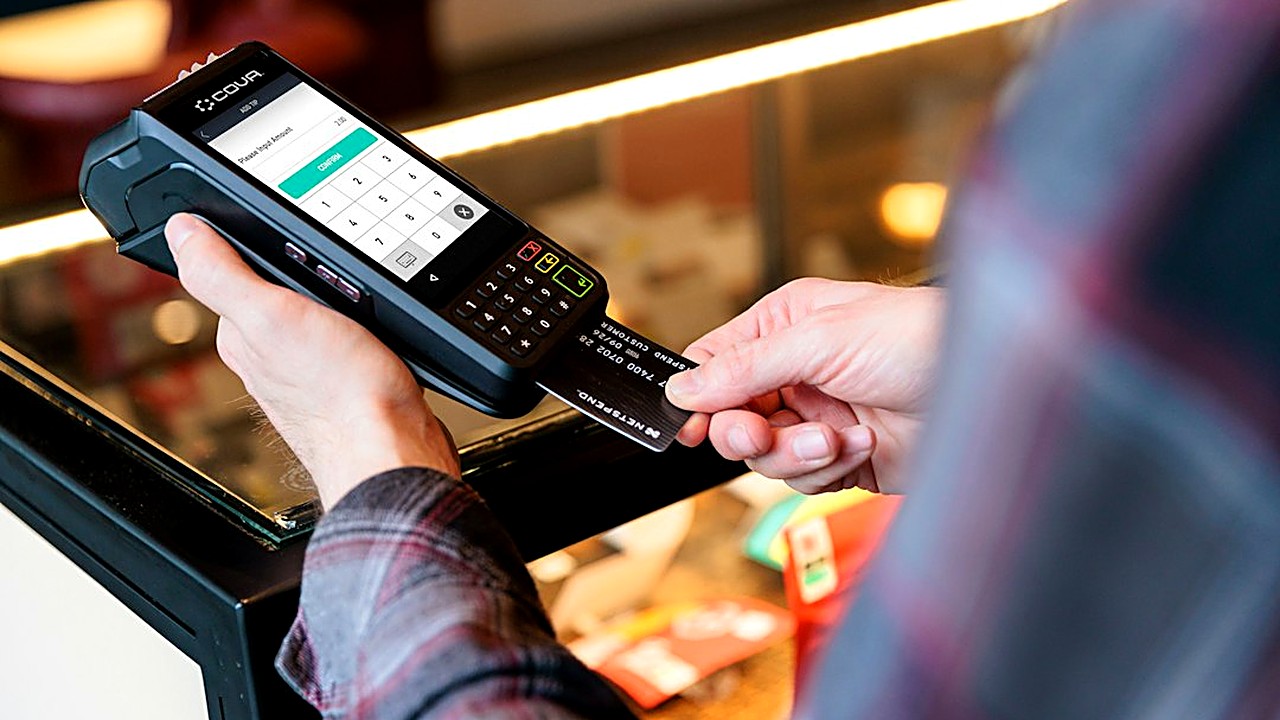
A funnel builder is the tool that creates your pages: the landing page, the order form, the thank-you page. A payment gateway is the service that actually charges the card and sends the money to your bank, such as Stripe or PayPal.
You can switch builders in a weekend. Switching gateways is harder. Your gateway account holds your payment history, your saved customer cards and your active subscriptions. Moving subscribers from one gateway to another often means asking every customer to enter their card again, and some will not.
So the gateway is the foundation. Pick a builder that fits it, not the other way around.
Smart software picks in your inbox
Step 1: Which gateway can you actually use?
Before you look at any builder, answer these questions:
1. Is the gateway available in your country? Not every gateway accepts businesses from every country. Check the gateway's own list of supported countries.
2. Does it accept your type of business? Some gateways restrict certain categories, such as coaching with income claims, supplements or adult content. Read their restricted business list.
3. Can it pay out to your bank account? Check the payout currency and how many days it takes to receive money.
4. Do your buyers trust it and have it? In some markets, buyers prefer PayPal or local payment methods over cards. If your audience uses a local method, you need a gateway that offers it.
Write the answer down. If you have two or three gateways that pass, keep all of them on your list for now.
Step 2: Does the builder connect natively?
 Build a Low-Cost Sales Funnel This Weekend: 6 Simple Steps →
 What Is a Sales Funnel? A Beginner's 7-Step Build Plan →
 7 Fixes to Raise Landing Page Conversions (In This Order) →
There are three ways a builder can work with a gateway. They are not equal.
| Connection type | What it means | Risk level |
|---|---|---|
| Native integration | The builder has a built-in setting where you connect your gateway account. | Low. The builder maintains the connection. |
| Through a third-party checkout tool | You use a separate checkout service that connects to both. | Medium. One more tool, one more bill, one more thing that can break. |
| Through automation tools or custom code | You link the two with an automation service or a developer script. | High. Breaks silently when either side changes. |
For a beginner, look for a native integration. Search the builder's help center for your gateway's name. A real native integration will have a step-by-step setup article with screenshots. If the only mention is a forum post or "use an automation tool," treat it as not supported.
Step 3: Does it support the payment types you need?
This is where most funnels break. A builder may "support Stripe" for a simple one-time payment but not for subscriptions or upsells. Check each payment type you plan to use, one by one.
| Payment type | What to ask the builder | Why it matters |
|---|---|---|
| One-time payment | Can I sell a single product at a fixed price? | The basic minimum. Almost every builder does this. |
| Subscription | Can I charge every month or year automatically? | Needed for memberships and software. |
| Payment plan | Can I split one price into, say, 3 payments? | Raises sales on higher-priced offers. |
| Order bump | Can buyers tick a box to add a small extra item on the checkout page? | Easy extra revenue. |
| One-click upsell | After paying, can buyers add another offer without typing their card again? | The heart of many funnels. Needs the gateway to save the card. |
| Free trial | Can I start a subscription with a free or cheap first period? | Common for memberships. |
| Coupons | Can I create discount codes that work at checkout? | Needed for launches and promotions. |
One-click upsells deserve extra attention. They only work if the gateway allows the builder to charge the saved card again without the buyer re-entering it. Some gateway and builder combinations support this; others, especially with certain PayPal setups, may ask the buyer to log in again. That extra step lowers upsell sales. Test it before launch.
Step 4: Does it handle your currency and taxes?
Two smaller details cause big headaches later:
1. Currency. Can you show prices in your buyers' currency? Does the builder pass the right currency to the gateway? A mismatch can cause failed payments or surprise conversion fees.
2. Sales tax and VAT. If you sell to buyers in regions that charge tax on digital products, someone needs to calculate and collect it. Some gateways offer this as an add-on; some builders do it themselves; some do neither. If neither does, you will need a separate tool or an accountant's advice.
If you are unsure about tax rules for your business, ask an accountant before you launch. It is far cheaper than fixing it later.
Step 5: Now compare everything else
Only after the four checks above should you compare the things that usually get attention first:
- Templates: Are there templates close to the funnel you want?
- Ease of use: Can you build a page with drag and drop, without code?
- Page speed: Do the pages load fast on a phone? Test a demo page on your own phone using mobile data.
- Email: Does it include email, or do you need a separate email tool?
- Price: What is the monthly cost at your expected number of contacts and pages? Watch for price jumps at higher tiers.
- Transaction fees: Does the builder take a percentage of each sale on top of the gateway's fee? On cheaper plans, some do.
The 15-minute test before you commit
Most builders offer a free trial. Use it to run this test before you build your real funnel:
1. Connect your gateway in test mode (also called sandbox mode). This lets you make fake payments with test card numbers that the gateway publishes.
2. Build a one-page checkout for a fake product.
3. Add one order bump and one one-click upsell.
4. Make a test purchase from your phone.
5. Accept the upsell and check whether you had to re-enter the card or log in again.
6. Check the gateway dashboard: do you see both charges, with the right amounts and currency?
7. Check your email: did the buyer receipt arrive?
8. Cancel or refund the test order and confirm the builder shows the change.
If any step fails, ask the builder's support how to fix it before you pay for a plan. Their answer, and how fast it arrives, tells you a lot about what support will be like when real money is at stake.
Common mistakes to avoid
- Building first, checking payments last. You may have to rebuild everything.
- Trusting a logo on a pricing page. A gateway logo does not mean every payment type works with it.
- Ignoring transaction fees. A small percentage per sale adds up fast once you sell regularly.
- Skipping the mobile test. Many buyers pay from their phone. A checkout that looks fine on a laptop can be hard to use on a small screen.
- Not testing upsells live. Test mode passes do not always mean the real-money flow is smooth. Run one small real purchase with your own card before launch, then refund it.
Your next step
Open a blank note and write three lines: your country, the payment types you need (from the table in Step 3), and the gateway you plan to use. Then pick two funnel builders, open each one's help center, and search for your gateway's name. Keep only the builders with a native setup article that covers every payment type on your list. Start a free trial with the first one on that short list and run the 15-minute test before you build anything else.
FAQ
What is the difference between a funnel builder and a payment gateway?
The funnel builder creates your pages, like the landing page and order form. The payment gateway is the service that charges the card and sends the money to your bank, such as Stripe or PayPal.
Why do one-click upsells fail with some gateways?
One-click upsells need the gateway to let the builder charge the saved card again without the buyer re-entering it. Some builder and gateway combinations ask the buyer to log in or type the card again, which lowers upsell sales.
How can I test a funnel builder without real money?
Connect your gateway in test or sandbox mode during the builder's free trial and use the gateway's published test card numbers. Make a test purchase with an upsell, then check the charges in the gateway dashboard.