How to Pick the Right Email Automation Tool for Small Business Beginners
Quick answer: Start by listing your main goals, budget, and technical comfort. Look for tools that offer drag‑and‑drop editors, clear pricing, and basic automation like welcome series and cart reminders. Test two or three free plans, compare results, then choose the one that feels easiest and scales with your growth.↗ Share on X
Why Email Automation Matters
 How to Boost Email Open Rates by Sending at the Right Time →
 How to Use Behavioral Triggers to Automate Emails for Beginners →
 How to Build a Welcome Email Series That Converts New Subscribers →
For a new business, every minute counts. Sending a welcome email, a follow‑up after a purchase, or a reminder about an abandoned cart can turn a casual visitor into a repeat customer. Studies show that automated welcome messages generate up to 50 % higher open rates than manual sends. In addition, a simple cart‑recovery series can recover 10‑15 % of lost sales. The real power of automation is that it works while you focus on product development, customer service, or content creation.
When I first launched my freelance design studio, I spent weeks writing individual thank‑you notes. After switching to an automation platform, I saved three hours each week and saw a 20 % lift in repeat orders. That experience taught me that the right tool can add revenue without adding workload.
Smart software picks in your inbox
Core Features to Look For
Drag‑and‑Drop Builder
A visual editor lets you create professional emails without HTML knowledge. Look for a canvas where you can drop images, text blocks, and buttons. Tools like MailerLite and Sendinblue provide this feature in their free tier.
Pre‑Built Automation Workflows
Beginners need ready‑made sequences such as:
- Welcome series (3‑4 emails over the first week)
- Post‑purchase thank‑you and review request
- Cart abandonment (2‑3 reminders)
Platforms that label these templates clearly reduce setup time.
List Segmentation
Even a small list benefits from basic segmentation. Separate new subscribers from loyal customers, or group contacts by location. Simple rules like "joined in the last 30 days" are enough to start personalizing content.
Reporting Dashboard
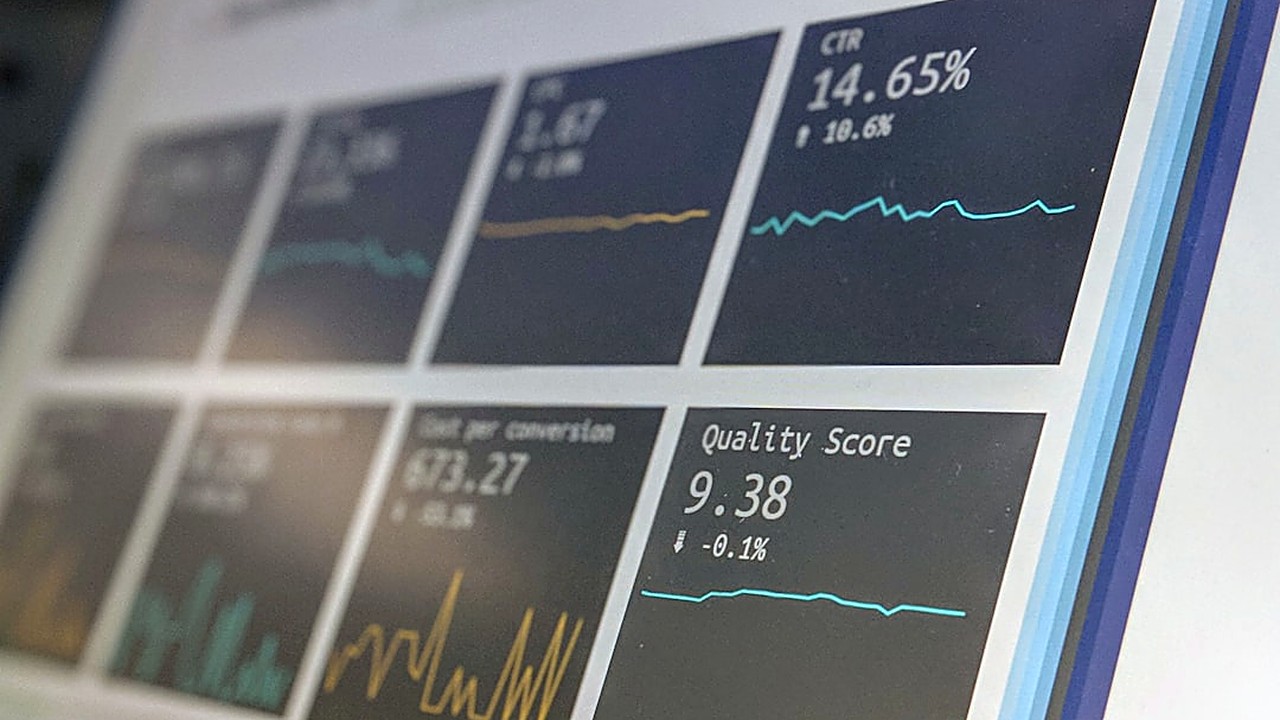
You should see open rates, click‑through rates, and unsubscribes at a glance. A dashboard that updates daily helps you spot problems early. For example, Mailchimp shows a color‑coded summary that highlights any drop in performance.
Pricing and Scale
 Preheader Text Tricks to Get More Emails Opened →
 How to Make Your Emails Look Good on Mobile Phones →
 How to Use Free Tools to Grow Your Email List Fast Without Paying →
Small businesses often start with a free plan and upgrade as they grow. Compare three common pricing models:
| Tool | Free Limit | Paid Starter | Typical Cost |
|---|---|---|---|
| MailerLite | 1,000 contacts, 12,000 emails/month | 1,001‑2,500 contacts | $10/month |
| Sendinblue | Unlimited contacts, 300 emails/day | 10,000 emails/month | $25/month |
| ConvertKit | 1,000 contacts, unlimited emails | 1,001‑3,000 contacts | $29/month |
If you send 5 000 emails per month, Sendinblue’s free daily limit may be enough, but you must watch the 300‑email‑per‑day cap. MailerLite’s 12 000‑email ceiling covers most newsletters for a team of five. ConvertKit’s pricing rises quickly, but it offers advanced tagging that can be useful once you have a larger audience.
When I moved from 800 to 1,200 subscribers, I switched from MailerLite’s free tier to its $10 plan. The upgrade gave me an extra 5 000 emails per month and unlocked A/B testing, which helped me improve click‑through rates by 3 %.
Ease of Use and Support
A steep learning curve can stall your marketing efforts. Look for these signs of user‑friendly design:
- Onboarding checklist that walks you through list import, template selection, and first automation.
- Knowledge base with short videos and step‑by‑step articles. Platforms that keep articles under 800 words tend to be easier for non‑technical users.
- Live chat or email support that responds within a business day. Some tools offer community forums where other beginners share tips.
During my first automation setup, I chose a tool that offered a live chat widget. The representative helped me connect my e‑commerce store in ten minutes, saving me hours of trial and error.
Testing and Choosing the Best Fit
1. Create a short list of three tools that meet your core feature checklist.
2. Sign up for free plans and import a sample of 100 contacts.
3. Build a simple welcome series using the drag‑and‑drop editor.
4. Send a test email to yourself and a colleague on different devices (desktop, mobile). Check load time and layout.
5. Review the dashboard after a few days. Note open rates, any deliverability warnings, and how easy it is to edit a message.
6. Score each tool on a 1‑5 scale for features, price, usability, and support.
7. Pick the highest total and commit to a paid plan if the free tier limits your growth.
Remember that the best tool today may not be the best tool next year. Choose a platform that offers easy data export so you can switch without losing contacts.
By following these steps, even a solo founder can set up reliable email automation in less than a week. The result is more engaged customers, higher sales, and more time to focus on product development.
Frequently asked questions
Do I need a separate email address for my automation tool?
Most platforms let you use your existing domain. You only need to verify ownership, which usually involves adding a small DNS record.
Can I send SMS messages from the same tool?
Some tools, like Sendinblue, include SMS credits. If you need both, compare the cost of adding SMS versus using a dedicated service.
How many contacts can I store for free?
Free limits vary. MailerLite offers 1,000 contacts, Sendinblue unlimited contacts with daily email caps, and ConvertKit 1,000 contacts with unlimited sends.
Is it safe to store customer data on these platforms?
Reputable services are GDPR‑compliant and use encryption at rest and in transit. Check their security page for certifications.
When should I upgrade from a free plan?
Upgrade when you exceed email limits, need advanced segmentation, or want to remove the provider’s branding from your emails.