AI Blog Posts That Rank: 13 Mistakes to Stop Making

Quick answer: AI blog posts fail because writers ask for the whole article in one prompt and publish the first draft. The fix is to feed the tool facts only you have, rewrite the first 100 words by hand so they answer the title question immediately, and delete every sentence without a number, name, step or example. That edit takes about 40 minutes per post.↗ Share on X
Most AI blog posts flop for one reason: the writer types "write a blog post about X", copies the answer, and hits publish. The fix takes about 40 minutes per article. You feed the tool facts only you have, you delete the padding paragraphs, and you rewrite the first hundred words by hand. Do those three things and the article stops sounding like every other page on the topic. Below are the 13 mistakes that ruin most AI-written posts, with the exact fix for each one.
Mistake 1: Asking for the whole post in one prompt
 Crafting Top-Ranking Blog Outlines with AI: A Practical Guide →
 Is AI‑Generated Content Detectable by Google? What You Need to Know →
 Optimize AI-Generated Blog Posts for Search Engines →
A single prompt like "write a 1,500-word post about composting" gives the tool no material to work with. It fills the space with definitions and generalities because that is all it has.
Fix: split the job into four prompts. First an outline. Then the sections, one at a time. Then the intro, written last. Then a pass where you paste the draft back and ask what a reader would still not know after reading it. The fourth prompt is the one most people skip and it is the one that finds the holes.
Smart software picks in your inbox
Mistake 2: Giving the tool zero facts of your own
The tool only knows what is already common on the internet. If you add nothing, you publish a summary of pages that already outrank you.
Fix: before you prompt, write down five things you know that the tool cannot: a price you paid, a mistake you made, a step that took longer than the guides said, a tool that failed you, a number from your own records. Paste those into the prompt and tell the tool to build the article around them. This single habit separates a page that ranks from a page that gets ignored.
Mistake 3: Publishing the introduction the tool wrote
 How Small Businesses Can Write SEO Blog Posts With Free AI Tools →
 AI Blog Outlines That Rank: A 6-Step Method That Works →
 Turn a 40-Page Report Into a Blog Post With AI in 4 Steps →
AI introductions almost always open with a throat-clearing paragraph — "in today's fast-paced digital world" — before saying anything. Readers leave during that paragraph.
Fix: rewrite the first 100 words yourself. Answer the title question in the first two sentences. If the title asks "how long does composting take", sentence one says how long. Everything else comes after.
Mistake 4: Leaving in the words that scream "AI wrote this"
Certain habits mark a text as machine-written to any experienced reader: heavy em dash use, words like delve, leverage, robust, seamless, and a compulsion to list exactly three things every time.
Fix: run a find-and-replace pass. Here is the swap list worth keeping open while you edit.
| Word the tool loves | What a person would write |
|---|---|
| delve into | look at |
| leverage | use |
| robust | strong, reliable |
| seamless | smooth, easy |
| utilize | use |
| in the realm of | in |
| it is important to note | (delete the whole phrase) |
| navigate the complexities | deal with |
Then break the three-item pattern on purpose. Some lists get two items. Some get five.
Mistake 5: Believing "undetectable" rewriter tools
Tools that promise to make text undetectable mostly work by swapping words for stranger synonyms. The result reads worse, not more human, and the strange word choices are their own tell.
Fix: skip them. The way to make text sound human is to add specifics and cut filler, not to scramble vocabulary.
Mistake 6: Worrying about the wrong question on detection
People ask whether Google can detect AI writing. That is the wrong worry. Google's stated position is that it rewards helpful content regardless of how it was produced, and penalizes content made mainly to game rankings. In practice, thin AI content gets ignored because it is thin, not because a detector flagged it.
Fix: stop optimizing to fool a detector. Optimize so a reader who lands on the page gets an answer they could not get from the first three results. That is the same work either way.
Mistake 7: No structure a skimmer can use
Most readers scan before they read. A wall of paragraphs with vague headings gives them nothing to grab.
Fix: every heading should be a question or a promise. "Step 3" tells the reader nothing. "How long to wait before you turn the pile" tells them exactly whether to stop scrolling.
Mistake 8: Trusting the numbers because the tone sounds sure
AI text states wrong things in the same calm tone it states right things. Dates, statistics, study names, product features, and prices are the usual failure points.
Fix: highlight every number, name, and date in the draft. Verify each one against a source you can name. Anything you cannot verify, delete or rewrite without the number. "Most gardeners report faster results" is fine. A fake percentage is not.
Mistake 9: Chasing word count instead of answers
A 2,000-word post that answers the question in paragraph 14 loses to a 900-word post that answers it in paragraph one.
Fix: use this order for every article.
1. The direct answer, in two or three sentences.
2. The short version of how to do it, as a numbered list.
3. The detail, one section per step.
4. The things that go wrong and what to do about them.
5. The next thing the reader should do today.
If a section does not fit one of those five jobs, cut it.
Mistake 10: One prompt, one draft, done
The first output is a starting point. Treated as a finished product, it reads like a starting point.
Fix: build a three-pass routine and use it every time.
1. Pass one — content. Is every claim true and specific? Add your own facts. Delete anything you would not say out loud.
2. Pass two — voice. Read it aloud. Every sentence that makes you stumble gets rewritten shorter.
3. Pass three — usefulness. Ask yourself: after reading this, can the reader do the thing? If not, add the missing step.
Thirty to forty minutes total. That is the whole difference.
Mistake 11: Using one tool for everything
Different tools are good at different jobs, and the free tiers are generous enough that you can use several.
| Job | What to look for |
|---|---|
| Outlines and structure | A tool with a large context window so it can hold your notes and source material |
| First drafts of sections | Whichever tool's default voice is closest to yours, so you edit less |
| Editing and tightening | A tool you can paste 1,500 words into and ask for cuts, not additions |
| Fact checking | A tool with live web search, so it can show you a source |
Free tiers change often. Check the current limits on the tool's own pricing page before you build a routine around one.
Mistake 12: Writing for the search engine instead of the person
Keyword stuffing has not worked for years, but the habit survives in AI prompts: people ask the tool to "include the keyword 8 times". The result reads like a robot with a tic.
Fix: use the main phrase in the title, once in the first paragraph, and in one heading. After that, write normally. Related phrases will appear on their own if you actually cover the topic.
Mistake 13: No proof that a human was involved
Pages that show no sign of a real person behind them — no photos, no specifics, no opinions, no author — are the easiest ones for a reader to bounce from.
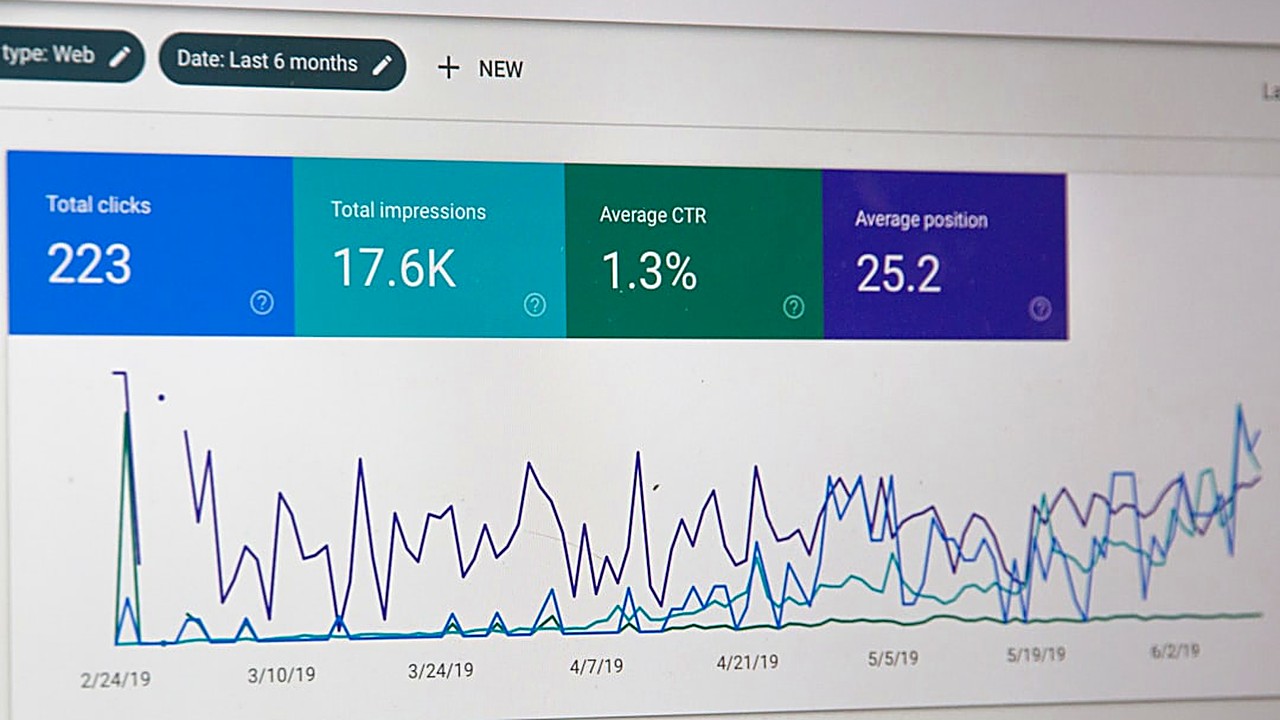
Fix: add at least one of these to every post. A photo you took. A screenshot of your own dashboard or notes. A sentence that starts "when I tried this, what actually happened was". A clear recommendation instead of "it depends".
What good looks like, in one paragraph
A useful AI-assisted article answers the title question in the first two sentences, uses at least three facts the tool could not have known, has headings a skimmer can navigate, contains zero unverified numbers, and ends with something the reader can do today. The AI wrote maybe 70 percent of the words. You supplied the 30 percent that made it worth reading.
Your next step
Open the last article you published with AI help. Set a timer for 20 minutes and do only this: rewrite the first 100 words so they answer the title question immediately, then delete every sentence in the article that does not contain a number, a name, a step, or an example. Republish it. That single edit, on your existing posts, usually does more for you than writing three new ones.
FAQ
Can Google detect AI writing?
Google's stated position is that it judges content by whether it helps the reader, not by how it was produced. Thin AI articles get ignored because they are thin, not because a detector flagged them. Adding your own facts and examples matters far more than trying to hide the tool.
How do I make AI writing sound human?
Add specifics and cut filler. Replace words like delve, leverage, robust and seamless with plain ones, break the habit of listing exactly three things, rewrite the introduction yourself, and include at least one thing that happened to you personally. Do not use undetectable rewriter tools, which only swap in stranger synonyms.
How long should editing an AI draft take?
About 30 to 40 minutes for a 1,500-word post, in three passes: one for facts and specifics, one for voice by reading it aloud, and one to confirm a reader could actually do the thing after reading. If you are spending five minutes, you are publishing a first draft.